Essential Software for a New Computer
A practical guide to the operating system, security, productivity, browsing, email and media applications a new computer may need.
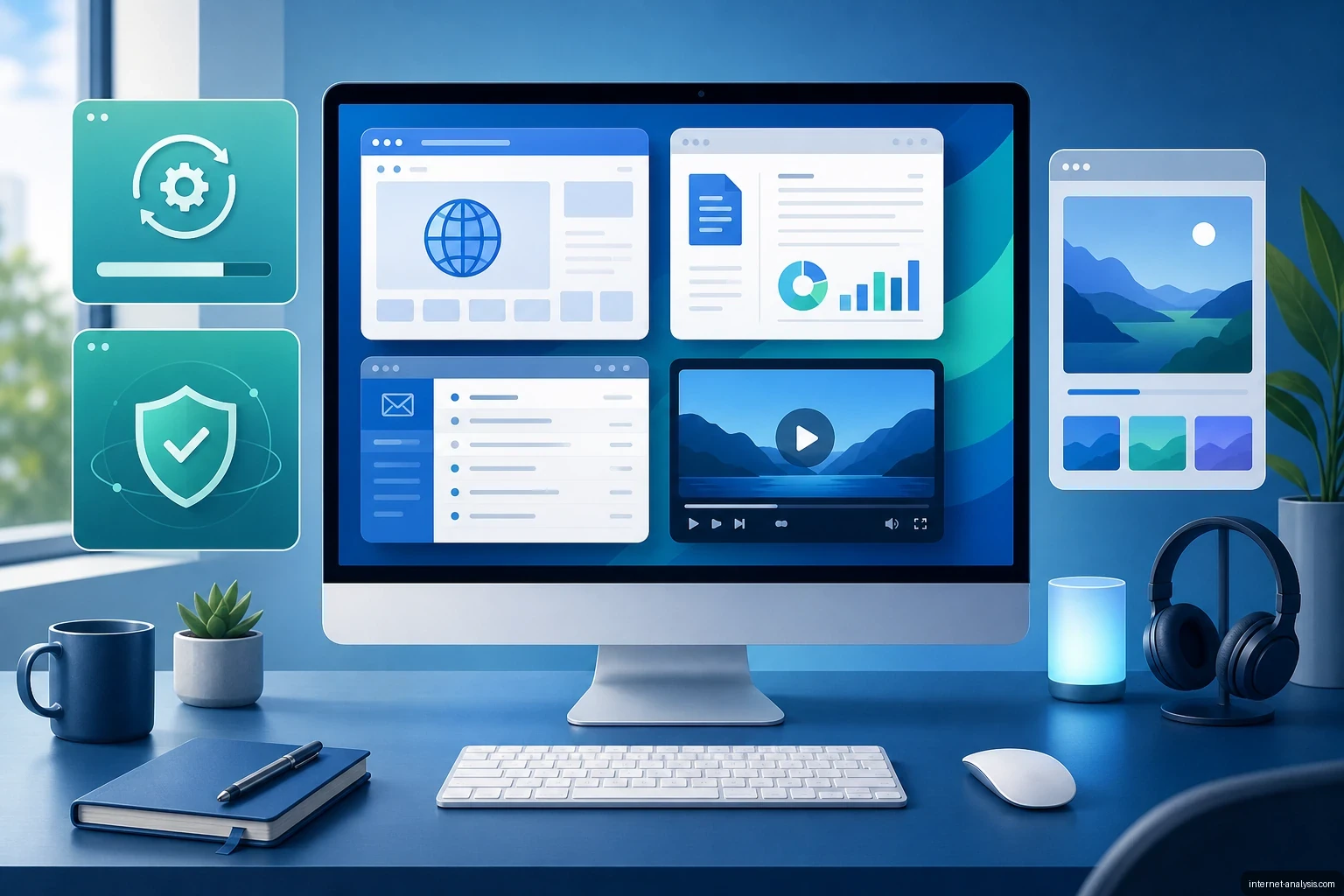
A computer’s processor, storage, memory and graphics hardware depend on software to perform useful work. The operating system manages those components, provides the user interface and allows applications to run. Many store-bought PCs include Windows, although computers may also ship with another operating system or without one preinstalled.
Start with the operating system
Before adding applications, install all available operating-system and driver updates. These updates can improve stability, hardware compatibility and security. Built-in tools may already cover common tasks such as browsing the web, playing media and opening basic documents, so review what the computer includes before downloading replacements.
Security software
Security protection is essential for any computer connected to the internet. Modern operating systems commonly include antivirus and firewall features, while third-party security suites can provide additional controls. Whichever option you choose, keep its malware definitions and software components current.
Antivirus software is only one part of safe computing. Install applications from trusted sources, apply security patches promptly, use strong passwords and treat unexpected attachments, downloads and links with caution.
Productivity applications
An office suite is useful for creating and editing documents, spreadsheets and presentations. Microsoft Office is one widely used option, but the right choice depends on required file compatibility, collaboration features, budget and whether the applications must work offline.
Web browsing and email
A reliable web browser is necessary for accessing online services and web applications. Important considerations include security updates, extension support, privacy controls and synchronization across devices.
People who manage email frequently may prefer a desktop email client. It can organize multiple accounts in one place, deliver notifications and retain synchronized messages for offline access, depending on the account settings. Webmail remains a practical alternative when local software is unnecessary.
Media playback and disc tools
Most current operating systems can play common audio and video formats, but specialized media software may be needed for less common codecs, advanced playback controls or particular high-quality formats.
Optical-disc software is relevant only when the computer has a compatible CD, DVD or Blu-ray drive. Dedicated applications can create data discs, write supported media and manage disc images. For computers without optical drives, cloud storage, external drives and USB media generally serve the same file-transfer and backup roles.
Choose software according to the task
Not every computer needs the same application set. A sensible baseline includes an updated operating system, active security protection, a maintained browser and tools for the user’s everyday work. Office, email, media and disc-burning applications should then be added only when their features are required.

Tomasz
Founder & Network Data Analyst at Internet AnalysisTomasz leads data-focused analysis at Internet Analysis, covering internet speed, latency, reliability, broadband infrastructure, and ISP performance. His work connects measurable network indicators with clear explanations for everyday users.
View author profile →How this article was prepared
Reviews measurement definitions, compares like-for-like network samples, checks geographic and time coverage, and documents limitations before drawing conclusions.
Read our methodology →Reviewed by the Internet Analysis Editorial Team
Reviewed by the Internet Analysis Editorial Team · Updated August 15, 2026
Meet the editorial team →Article context, review and related questions
A practical guide to the operating system, security, productivity, browsing, email and media applications a new computer may need.
| Measure | Value | Context |
|---|---|---|
| Article type | Software | Editorial classification |
| Reading time | 2 minutes | Estimated at approximately 220 words per minute |
| Editorial review | Internet Analysis Editorial Team | Updated August 15, 2026 |
| Review date | August 15, 2026 | Latest stored article update |
Methodology
Reviews measurement definitions, compares like-for-like network samples, checks geographic and time coverage, and documents limitations before drawing conclusions.
Full methodology →Data freshness
- Page updated
- Data period
- August 15, 2026
- Responsible editor
- TomaszFounder & Network Data Analyst
Primary sources
- Internet Analysis editorial methodologyReview and limitation rules
Limitations
- The article is informational and may simplify technical details for readability.
- Products, standards, prices and service availability can change after the review date.
- The latest review date does not guarantee that every external product or service remains unchanged.
Related questions
What is the main point of “Essential Software for a New Computer”?
A practical guide to the operating system, security, productivity, browsing, email and media applications a new computer may need.
How was this article prepared?
Reviews measurement definitions, compares like-for-like network samples, checks geographic and time coverage, and documents limitations before drawing conclusions.
When was this information last reviewed?
The latest stored review or update date is August 15, 2026.