Essential Software for a New Computer
A useful computer setup begins with an updated operating system, sound security practices and a modern browser. Office, email, media and utility applications can then be added according to the user’s needs.
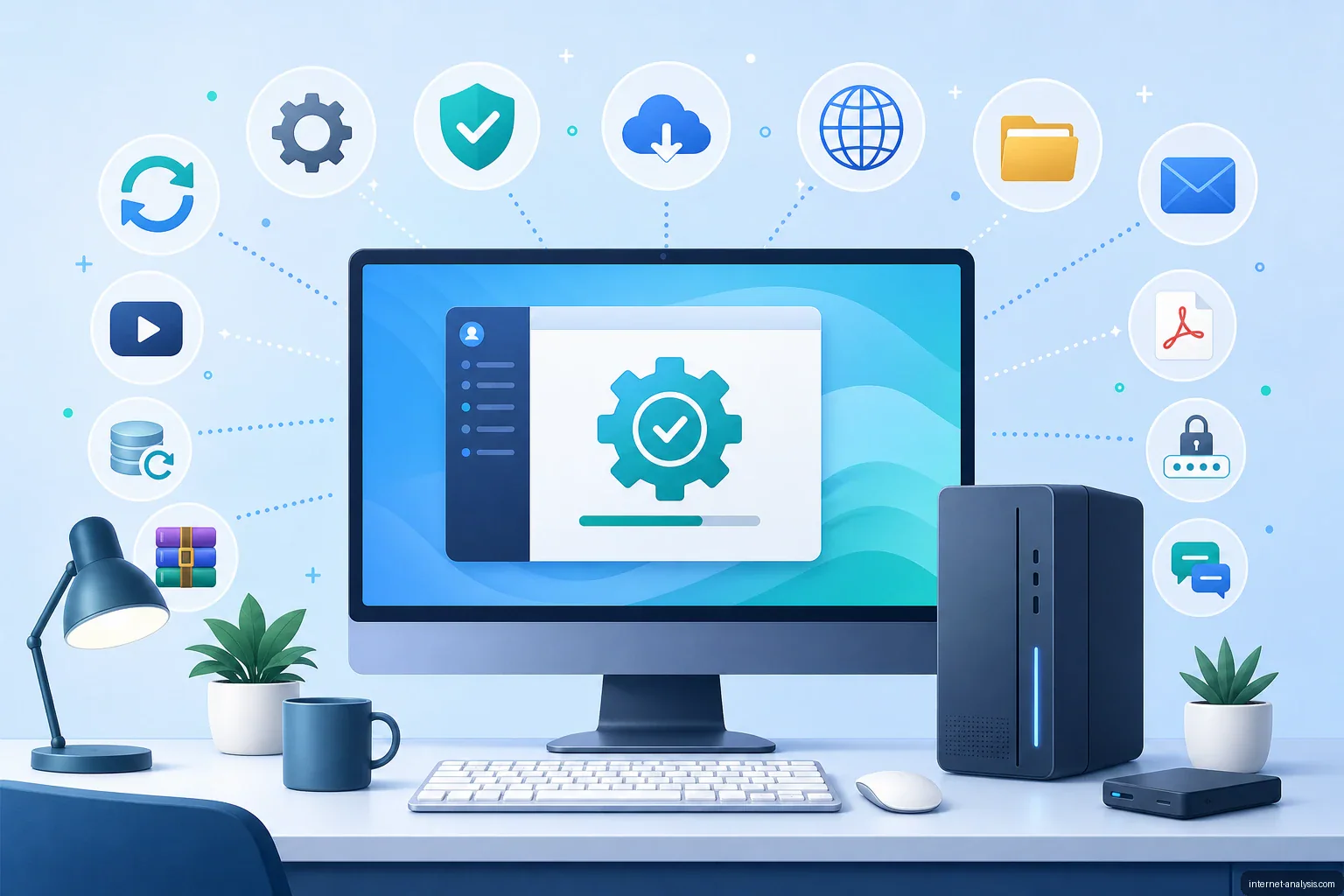
Computer hardware needs software to become useful. The operating system manages components such as the processor, memory, storage, graphics hardware and connected devices, while applications provide the tools needed for everyday work, communication and entertainment.
Many retail PCs come with Windows preinstalled, but that is not universal. Some computers ship with macOS, ChromeOS or Linux, and custom-built systems may be sold without an operating system. Once the operating system is installed and updated, the next step is choosing software that matches how the computer will be used.
Start with system updates and security
Before installing numerous applications, download the latest operating-system updates and hardware drivers. Updates can correct defects, close security vulnerabilities and improve compatibility with peripherals and software.
Current operating systems typically include built-in security protections, including a firewall and malware scanning. A separate antivirus package may offer additional features, but it is not a substitute for safe habits. Users should keep software updated, download programs from trusted sources, avoid suspicious attachments and maintain backups of important files.
Install a capable web browser
A modern web browser is one of the most frequently used applications on a connected computer. The browser should receive regular security updates and support current web standards. Features such as password management, profile synchronization, privacy controls and extensions may also influence the choice.
Keeping a second browser available can be helpful when a website does not work correctly in the primary one or when troubleshooting an extension or configuration problem.
Choose an office suite
An office suite is useful for writing documents, creating spreadsheets and building presentations. Microsoft 365 and Microsoft Office are common choices, but free and web-based alternatives can cover many of the same tasks. Compatibility matters when files will be exchanged with schools, employers or clients, particularly when documents contain complex formatting, formulas or macros.
Decide whether you need an email client
Email can be accessed through a browser, so a dedicated client is optional. However, an email application can combine multiple accounts, display notifications, organize messages and retain selected mail for offline access. It may be especially useful for people who manage several inboxes or work extensively with email.
Prepare for audio and video playback
Modern operating systems and browsers can play many common media formats without additional software. A third-party media player may still be useful when a file uses an unsupported codec, includes multiple audio or subtitle tracks, or requires more advanced playback controls.
Optical-disc software is no longer essential for most users because many computers do not include DVD drives. If a computer has a compatible drive and the user needs to create CDs or DVDs, disc-burning tools may be built into the operating system or installed separately.
Add practical utilities as needed
A few additional tools can make a new computer more useful:
- Backup software: Protects documents, photos and other important files by copying them to external storage or a cloud service.
- Archive utility: Opens and creates compressed file formats used to package downloads and reduce storage requirements.
- Password manager: Generates and stores unique credentials for online accounts.
- PDF software: Provides advanced tools for annotating, organizing or editing PDF documents when the browser’s basic viewer is insufficient.
- Communication applications: Support messaging, voice calls, video meetings and collaboration when required for work or personal use.
Avoid installing software without a purpose
There is no universal list of applications that every computer needs. Unnecessary programs consume storage, may add background processes and increase the number of products that must be maintained. Begin with the operating system, updates, security features and a browser, then add office, email, media and utility software according to actual needs.

Tomasz
Founder & Network Data Analyst at Internet AnalysisTomasz leads data-focused analysis at Internet Analysis, covering internet speed, latency, reliability, broadband infrastructure, and ISP performance. His work connects measurable network indicators with clear explanations for everyday users.
View author profile →How this article was prepared
Reviews measurement definitions, compares like-for-like network samples, checks geographic and time coverage, and documents limitations before drawing conclusions.
Read our methodology →Reviewed by the Internet Analysis Editorial Team
Reviewed by the Internet Analysis Editorial Team · Updated September 14, 2026
Meet the editorial team →Article context, review and related questions
A useful computer setup begins with an updated operating system, sound security practices and a modern browser. Office, email, media and utility applications can then be added according to the user’s needs.
| Measure | Value | Context |
|---|---|---|
| Article type | Software | Editorial classification |
| Reading time | 3 minutes | Estimated at approximately 220 words per minute |
| Editorial review | Internet Analysis Editorial Team | Updated September 14, 2026 |
| Review date | September 14, 2026 | Latest stored article update |
Methodology
Reviews measurement definitions, compares like-for-like network samples, checks geographic and time coverage, and documents limitations before drawing conclusions.
Full methodology →Data freshness
- Page updated
- Data period
- September 14, 2026
- Responsible editor
- TomaszFounder & Network Data Analyst
Primary sources
- Internet Analysis editorial methodologyReview and limitation rules
Limitations
- The article is informational and may simplify technical details for readability.
- Products, standards, prices and service availability can change after the review date.
- The latest review date does not guarantee that every external product or service remains unchanged.
Related questions
What is the main point of “Essential Software for a New Computer”?
A useful computer setup begins with an updated operating system, sound security practices and a modern browser. Office, email, media and utility applications can then be added according to the user’s needs.
How was this article prepared?
Reviews measurement definitions, compares like-for-like network samples, checks geographic and time coverage, and documents limitations before drawing conclusions.
When was this information last reviewed?
The latest stored review or update date is September 14, 2026.