How to Choose the Right Computer
Choose a computer by matching its processor, memory, storage, graphics, display and connectivity to your actual work, entertainment needs and budget.
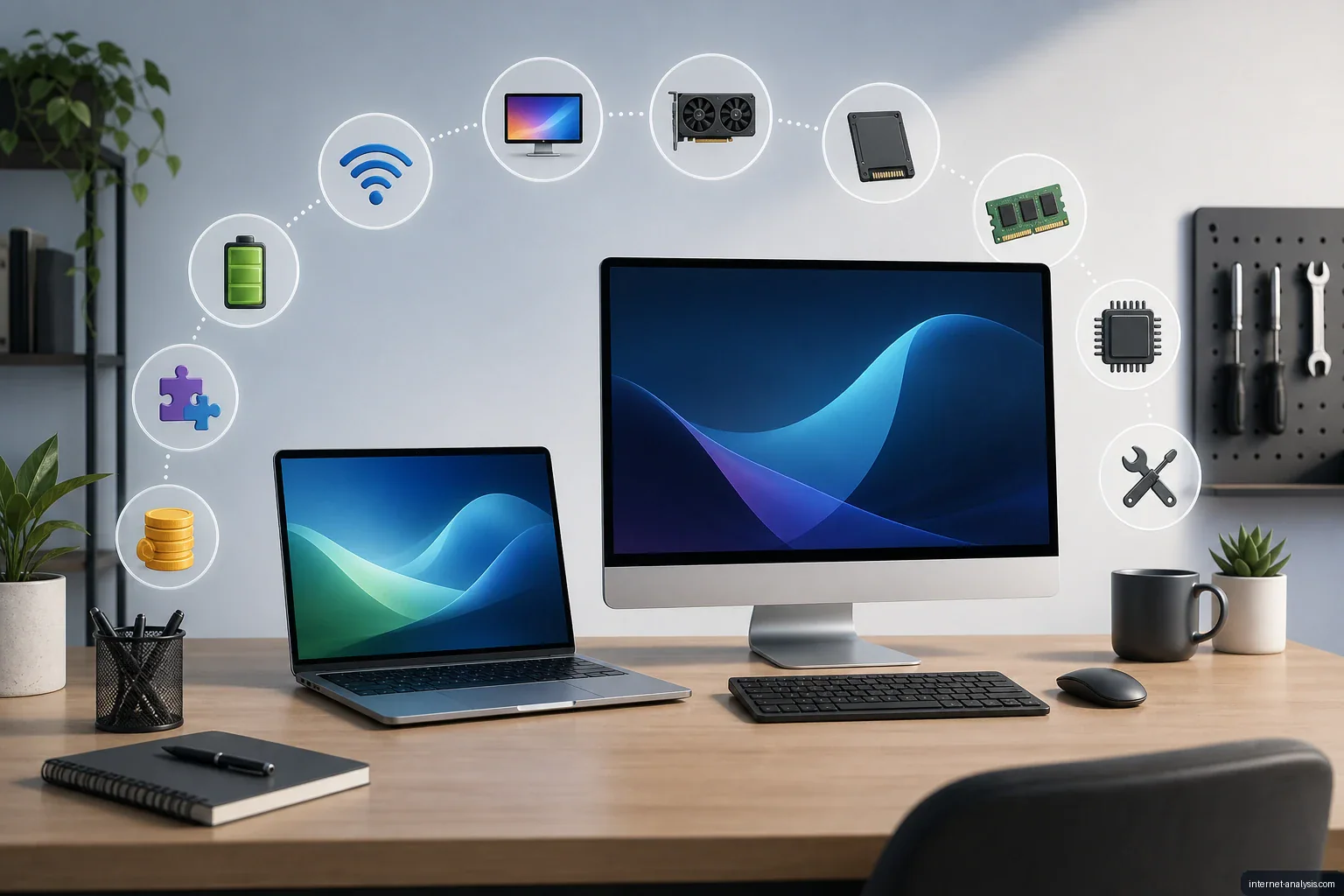
Buying a computer can be a major expense, and comparing unfamiliar components and specifications often makes the decision harder. Rather than rushing into a purchase, start by identifying what the computer must do and which features will make it comfortable to use.
A good computer is not necessarily the most powerful or expensive model. It is one that fits your work, entertainment needs and budget without paying for unnecessary hardware or creating avoidable performance limitations.
Begin with how you will use it
Your intended workload should guide every other decision. Make a list of the programs and activities the computer must support, then separate essential requirements from optional features.
- Everyday use: Web browsing, email, video streaming and document editing generally do not require high-end components.
- Office and study: Prioritize comfortable input devices, dependable performance, enough memory for multitasking and the ports needed for accessories.
- Creative work: Photo editing, video production, music software and design applications may benefit from a faster processor, more memory, additional storage or dedicated graphics.
- Gaming: The graphics processor is especially important, although the processor, memory, cooling and display also affect the experience.
- Specialized work: Engineering, scientific and professional applications may have specific hardware or operating-system requirements. Check the software’s requirements before choosing a computer.
Choose between a laptop and a desktop
A laptop combines the computer, display, keyboard, pointing device and battery in a portable package. It is usually the better fit when the system must travel between home, school or work. Consider its weight, battery life, screen, keyboard and charging arrangement as well as its internal hardware.
A desktop stays in one location and requires separate peripherals, but it may offer more room for cooling, upgrades and repairs. Remember to include the cost of a monitor, keyboard, mouse, speakers or webcam if they are not already available.
Understand the key specifications
Specifications describe a computer’s capabilities, but they should be interpreted in the context of the tasks you plan to perform. A single impressive number does not guarantee that the entire system will be suitable.
Processor
The central processing unit handles general computing work. Processor model, generation, core count and overall design all matter, so clock speed alone is not a reliable basis for comparing different processors. More demanding applications and heavy multitasking generally call for stronger processing performance.
Memory
Random-access memory holds information that active programs need. More memory can help when many browser tabs or applications are open at once, but unused capacity does not automatically make a computer faster. Check whether the memory is replaceable or permanently attached to the system board if future upgrades matter to you.
Storage
Storage capacity determines how much room is available for the operating system, applications and personal files. A solid-state drive generally provides faster startup and loading than a mechanical hard drive. Estimate how much space your current files require, allow room for growth and consider whether external or cloud storage will form part of your setup.
Graphics
Integrated graphics share system resources and can be sufficient for routine work, media playback and less demanding visual tasks. Dedicated graphics hardware is more relevant for modern games, three-dimensional work, video production and applications designed to use it. For these workloads, confirm the requirements of the particular software rather than relying only on broad labels such as “gaming” or “creator.”
Display
For laptops and all-in-one computers, the built-in display is a central part of the purchase. Evaluate screen size, resolution, brightness, color quality, refresh rate and viewing comfort according to your needs. A larger or higher-resolution screen can provide more workspace, while a smaller display may improve portability.
Ports and connectivity
Check that the computer can connect to your existing monitor, storage devices, network equipment and other accessories. Look at both the number and type of ports; connectors that appear similar do not always support the same features. Wireless networking and Bluetooth compatibility may also affect how well the computer fits into your setup.
Look beyond performance
A computer can have strong internal specifications and still be inconvenient to use. Build quality, keyboard comfort, pointing-device accuracy, fan noise, webcam quality and repairability can influence daily satisfaction.
For a laptop, battery life and charger size deserve particular attention. Published battery estimates may not reflect every workload, so consider how the machine will be used away from an outlet. For a desktop, examine case size, ventilation and available space for future expansion.
Check software compatibility
Confirm that the operating system supports the applications, peripherals and file formats you depend on. Also determine whether required software is included, available separately or tied to a subscription. Moving from an existing computer may require time and storage for transferring files and reinstalling programs.
Set a complete budget
Computer purchases can cost a substantial amount—sometimes several thousand zlotys or the equivalent in another currency—so it is sensible to plan carefully. The advertised price may not represent the full cost of ownership.
Include any necessary monitor, docking station, adapters, external storage, software, protective case or extended warranty in the budget. Spend first on the capabilities that directly support your essential tasks. Paying extra for specifications you will not use is no more helpful than buying a system that cannot run your software comfortably.
Compare complete configurations
Model names alone can be misleading because the same product line may be sold with different processors, memory capacities, storage drives, displays or graphics hardware. Compare the exact configurations, including component model numbers where available.
Before making a final decision, review the following:
- Whether the computer meets the recommended requirements of essential applications
- Whether its memory and storage are sufficient for current use and reasonable growth
- Whether components can be upgraded or repaired
- Whether it includes all necessary ports and connectivity options
- Whether the size, display and input devices will be comfortable
- What the warranty covers and how support is provided
- Whether essential accessories or software add to the total price
Take time before buying
A computer should support both productivity and entertainment without making routine tasks frustrating. Because it is an important purchase, there is little benefit in deciding too quickly. Compare several suitable configurations, verify the requirements of your software and ask a knowledgeable person for advice if any specification remains unclear.
The best choice is a balanced system: capable enough for the work you actually perform, comfortable enough for regular use and priced within a complete, realistic budget.

Piotr
Network Performance Analyst at Internet AnalysisPiotr analyzes how download speed, upload speed, latency, jitter, and packet loss affect real-world connectivity. He translates test results into careful, reproducible explanations.
View author profile →How this article was prepared
Uses consistent metric definitions, excludes invalid samples where identifiable, compares medians rather than isolated extremes, and describes device, access-network, and geographic limitations.
Read our methodology →Reviewed by the Internet Analysis Editorial Team
Reviewed by the Internet Analysis Editorial Team · Updated August 28, 2026
Meet the editorial team →Article context, review and related questions
Choose a computer by matching its processor, memory, storage, graphics, display and connectivity to your actual work, entertainment needs and budget.
| Measure | Value | Context |
|---|---|---|
| Article type | Computers | Editorial classification |
| Reading time | 5 minutes | Estimated at approximately 220 words per minute |
| Editorial review | Internet Analysis Editorial Team | Updated August 28, 2026 |
| Review date | August 28, 2026 | Latest stored article update |
Methodology
Uses consistent metric definitions, excludes invalid samples where identifiable, compares medians rather than isolated extremes, and describes device, access-network, and geographic limitations.
Full methodology →Data freshness
- Page updated
- Data period
- August 28, 2026
- Responsible editor
- PiotrNetwork Performance Analyst
Primary sources
- Internet Analysis editorial methodologyReview and limitation rules
Limitations
- The article is informational and may simplify technical details for readability.
- Products, standards, prices and service availability can change after the review date.
- The latest review date does not guarantee that every external product or service remains unchanged.
Related questions
What is the main point of “How to Choose the Right Computer”?
Choose a computer by matching its processor, memory, storage, graphics, display and connectivity to your actual work, entertainment needs and budget.
How was this article prepared?
Uses consistent metric definitions, excludes invalid samples where identifiable, compares medians rather than isolated extremes, and describes device, access-network, and geographic limitations.
When was this information last reviewed?
The latest stored review or update date is August 28, 2026.