Maintaining Computer Functionality Without Replacing the Entire System
Computer functionality depends on reliable hardware, appropriate performance and the ability to complete required tasks. Targeted upgrades can often extend a system’s useful life without the cost of full replacement.
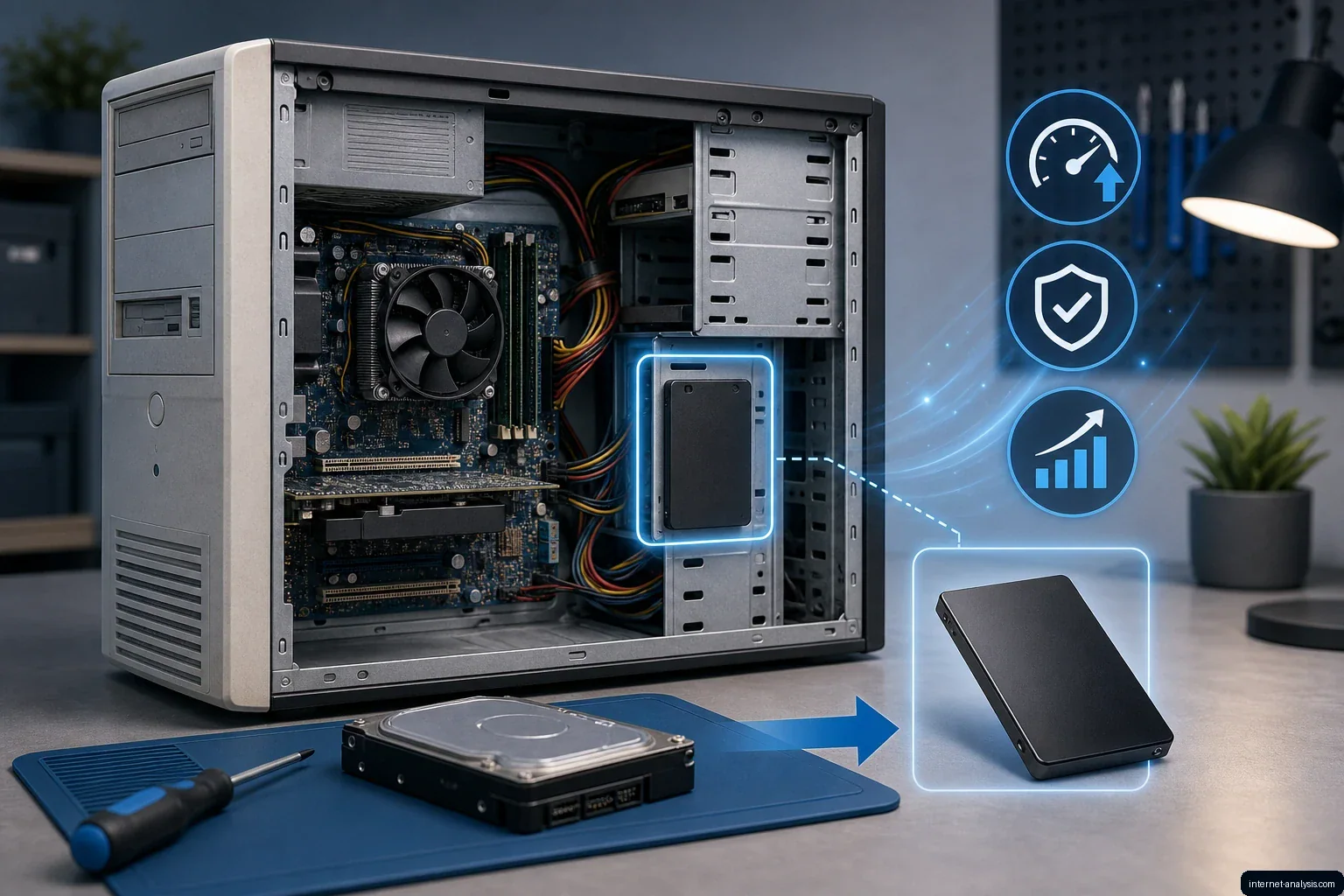
Computer functionality is not defined by a single standard. People use computers in different settings and for different purposes, from completing workplace assignments to handling everyday tasks at home. A functional computer is therefore one that can reliably support the work its user needs to perform.
Reliability Comes First
Regardless of how a computer is used, its hardware must operate properly. A failure-prone system can interrupt tasks, reduce productivity and make routine use frustrating. Maintaining reliable equipment is consequently an important part of owning a computer.
Good care begins with paying attention to performance and recurring problems. Unexpected shutdowns, persistent slowdowns or unreliable components may indicate that the system needs maintenance or a hardware upgrade. Addressing such issues can help keep the computer useful for its intended workload.
When Aging Hardware Becomes a Limitation
Some problems arise simply because equipment gets older. A computer that once handled its workload comfortably may become less effective as its components age or as the demands placed on it change. This does not automatically mean the entire machine must be discarded.
Periodic upgrades can improve a computer’s ability to perform required tasks and reduce the frustration associated with inadequate hardware. The appropriate decision depends on which component is limiting the system and whether that part can be replaced.
Upgrade Before Replacing
Upgrading a computer does not necessarily involve replacing every component. A targeted improvement may be enough to restore acceptable operation while preserving the rest of the system. This approach is generally less expensive than buying an entirely new computer.
Before deciding, users should consider three questions:
- Does the computer still meet its main purpose?
- Is a specific component responsible for the problem?
- Would a focused upgrade provide sufficient improvement at a reasonable cost?
If the answer points to a repairable or replaceable component, upgrading may extend the computer’s useful life. If several parts are failing or the system can no longer support essential tasks, full replacement may be the more practical option.
A Practical Definition of Functionality
Ultimately, computer functionality is personal and task-dependent. What matters is whether the machine performs its required work consistently, without frequent failures or unacceptable frustration. Proper care, realistic performance expectations and selective upgrades can help maintain that functionality without the unnecessary expense of replacing an entire system.

Krzysztof
Broadband Infrastructure Editor at Internet AnalysisKrzysztof covers broadband technologies, provider availability, and infrastructure change. He focuses on making technical coverage data understandable without overstating what provider-reported availability proves.
View author profile →How this article was prepared
Cross-checks provider, technology, geography, and reporting-vintage fields; separates advertised availability from measured performance; and flags incomplete coverage denominators.
Read our methodology →Reviewed by the Internet Analysis Editorial Team
Reviewed by the Internet Analysis Editorial Team · Updated August 19, 2026
Meet the editorial team →Article context, review and related questions
Computer functionality depends on reliable hardware, appropriate performance and the ability to complete required tasks. Targeted upgrades can often extend a system’s useful life without the cost of full replacement.
| Measure | Value | Context |
|---|---|---|
| Article type | Computing | Editorial classification |
| Reading time | 2 minutes | Estimated at approximately 220 words per minute |
| Editorial review | Internet Analysis Editorial Team | Updated August 19, 2026 |
| Review date | August 19, 2026 | Latest stored article update |
Methodology
Cross-checks provider, technology, geography, and reporting-vintage fields; separates advertised availability from measured performance; and flags incomplete coverage denominators.
Full methodology →Data freshness
- Page updated
- Data period
- August 19, 2026
- Responsible editor
- KrzysztofBroadband Infrastructure Editor
Primary sources
- Internet Analysis editorial methodologyReview and limitation rules
Limitations
- The article is informational and may simplify technical details for readability.
- Products, standards, prices and service availability can change after the review date.
- The latest review date does not guarantee that every external product or service remains unchanged.
Related questions
What is the main point of “Maintaining Computer Functionality Without Replacing the Entire System”?
Computer functionality depends on reliable hardware, appropriate performance and the ability to complete required tasks. Targeted upgrades can often extend a system’s useful life without the cost of full replacement.
How was this article prepared?
Cross-checks provider, technology, geography, and reporting-vintage fields; separates advertised availability from measured performance; and flags incomplete coverage denominators.
When was this information last reviewed?
The latest stored review or update date is August 19, 2026.