Start using a password manager without losing access to your accounts
A practical migration plan: secure the vault, prepare recovery and replace reused passwords on the accounts that matter most.
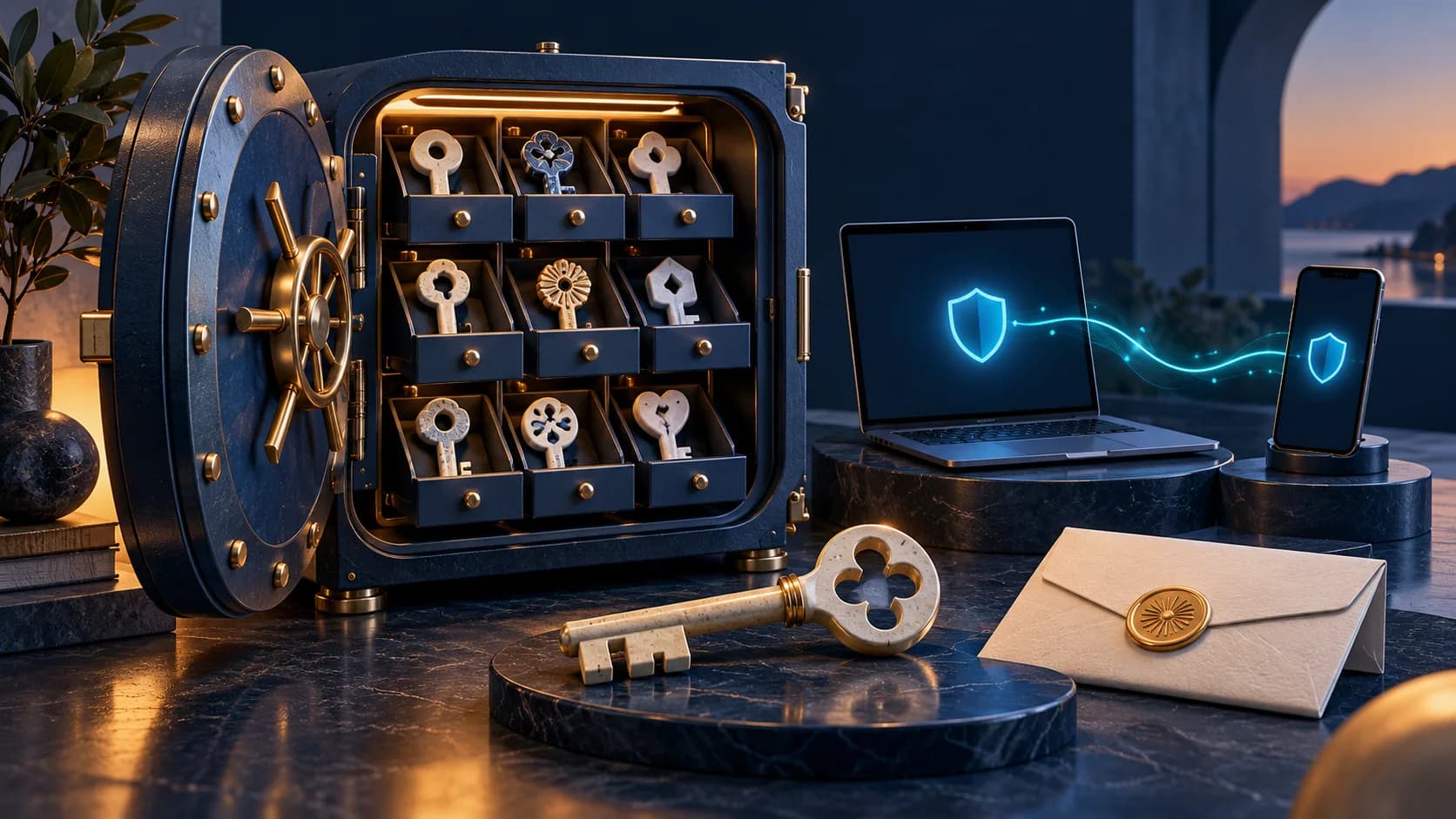
You do not need to memorise a different complicated password for every service. A password manager can generate and store them. The important part is preparing the vault and its recovery route before moving your accounts into it.
Your recovery plan must still work when the device holding your vault is missing.
Choose something you can use every day
Check that the manager works on your phone, computer and main browser. Understand how synchronisation, encryption, exporting and recovery work. A built-in manager may be enough for one person's needs; a separate application may offer features useful to a household. Choose based on those requirements rather than a promise of perfect security.
Install it through the developer's official distribution route or the relevant app store. Check the publisher carefully: a fake password-manager extension would receive precisely the information you want to protect.

Secure the vault first
Use a long, unique primary password or passphrase that is not a variation of a password used elsewhere. Enable multifactor authentication if the manager supports it. Lock the devices that can open the vault, and keep their software up to date.
Read the recovery instructions before you need them. Some products offer recovery keys, trusted contacts or organisation recovery; others cannot restore access without a key you control. There is no single recovery rule for every password manager. Keep the required recovery material in a protected place outside the vault.
Move in stages
- Begin with your main email account because it often controls password resets elsewhere.
- Replace its reused or weak password with a generated, unique one. Save it and confirm that a new sign-in works.
- Continue with financial accounts and other sensitive services, then work through lower-priority accounts.
- As you sign in to the remaining services, update reused passwords rather than only copying them into the vault.
Importing an existing password list can make the move easier. It does not make weak or repeated passwords stronger. If you export credentials to an unencrypted file during migration, protect it and remove the unnecessary copy afterwards.
Use autofill as a check, not a guarantee
A manager normally associates saved credentials with a website or app. If it does not offer a familiar login, check the address before copying the password manually. A changed domain could be legitimate, but it could also be a fake login page.
Autofill cannot prevent every phishing method. Keep multifactor authentication enabled; where available, passkeys can replace a password-based sign-in with one tied to the legitimate service. Understand which device or account stores those passkeys and how you recover them.
Plan for a broken or missing device
Confirm that you can recover the manager without the phone or computer currently in your hand. Do not make the vault the only place that holds the instructions needed to reopen the vault. A small amount of preparation now avoids a much harder problem later.

Anna
Digital safety and consumer research editor at Internet AnalysisAnna edits practical guides to safer internet use, privacy and online services. She helps readers understand everyday risks and choose sensible actions without alarmism or blame.
View author profile →How this article was prepared
She checks claims against reliable sources, removes unsupported certainty and separates general information from professional advice. Her short, direct explanations distinguish prevention from the steps needed after an incident.
Read our methodology →Reviewed by the Internet Analysis Editorial Team
Reviewed by the Internet Analysis Editorial Team · Updated October 28, 2026
Meet the editorial team →Article context, review and related questions
A practical migration plan: secure the vault, prepare recovery and replace reused passwords on the accounts that matter most.
| Measure | Value | Context |
|---|---|---|
| Article type | Digital security | Editorial classification |
| Reading time | 3 minutes | Estimated at approximately 220 words per minute |
| Editorial review | Internet Analysis Editorial Team | Updated October 28, 2026 |
| Review date | October 28, 2026 | Latest stored article update |
Methodology
She checks claims against reliable sources, removes unsupported certainty and separates general information from professional advice. Her short, direct explanations distinguish prevention from the steps needed after an incident.
Full methodology →Data freshness
- Page updated
- Data period
- October 28, 2026
- Responsible editor
- AnnaDigital safety and consumer research editor
Primary sources
- Internet Analysis editorial methodologyReview and limitation rules
Limitations
- The article is informational and may simplify technical details for readability.
- Products, standards, prices and service availability can change after the review date.
- The latest review date does not guarantee that every external product or service remains unchanged.
Related questions
What is the main point of “Start using a password manager without losing access to your accounts”?
A practical migration plan: secure the vault, prepare recovery and replace reused passwords on the accounts that matter most.
How was this article prepared?
She checks claims against reliable sources, removes unsupported certainty and separates general information from professional advice. Her short, direct explanations distinguish prevention from the steps needed after an incident.
When was this information last reviewed?
The latest stored review or update date is October 28, 2026.