Upgrading an Aging Computer: When New Parts Make Sense
A practical guide to identifying performance bottlenecks, checking hardware compatibility and deciding whether upgrading an aging computer is better than replacing it.
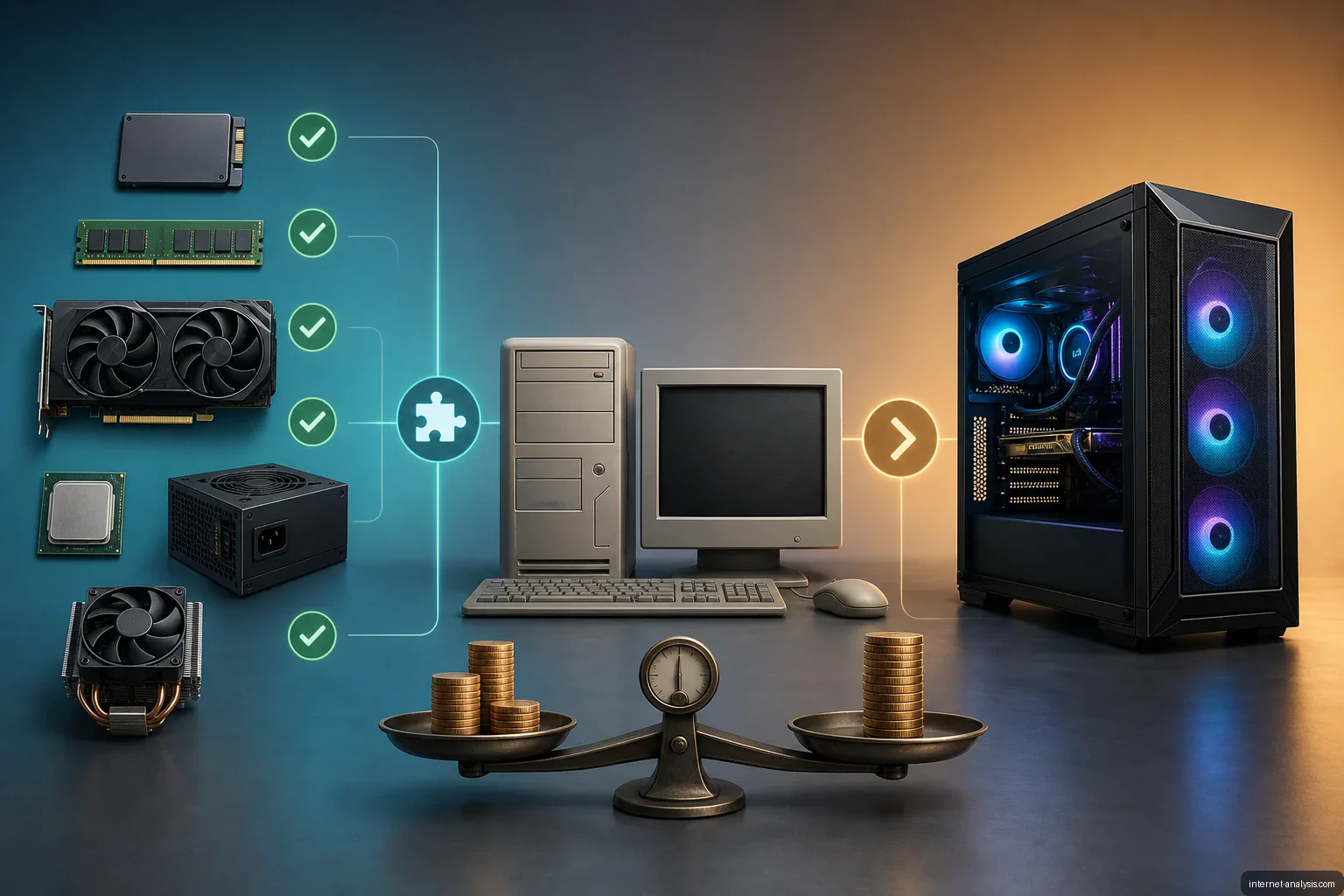
A computer that once felt fast and modern can become less capable as newer hardware and more demanding software reach the market. That does not always mean the entire machine needs to be replaced. Upgrading selected components may improve performance, expand capacity and extend the computer’s useful life.
Whether an upgrade is worthwhile depends on the system’s current hardware, the work it needs to handle and the cost of compatible replacement parts. In some cases, buying a new computer is the better value.
Start with the performance problem
Before purchasing hardware, identify what is actually limiting the computer. Different problems require different upgrades:
- Slow startup and long loading times: Storage may be the main bottleneck.
- Poor multitasking: The system may need more memory.
- Low performance in games or visual applications: A graphics upgrade may help if the rest of the computer can support it.
- Consistently weak performance in demanding tasks: The processor—or the platform as a whole—may be outdated.
- Insufficient file capacity: Additional or larger storage may be enough.
A focused diagnosis prevents spending money on a component that will not address the real issue.
Common components to upgrade
Storage
Replacing an older hard drive with a solid-state drive can make a compatible computer feel more responsive during startup, application launches and file access. Storage can also be expanded when the main problem is limited capacity rather than speed.
Memory
Adding RAM can improve performance when the computer slows down while running several applications or handling memory-intensive workloads. The motherboard and processor determine the supported memory type, capacity and configuration, so compatibility must be checked first.
Graphics card
A graphics card upgrade can improve performance in games, 3D applications and other graphics-heavy software. It is also one of the upgrades most likely to be limited by the case dimensions, power supply, motherboard interface and balance of the remaining components.
Processor and motherboard
A processor upgrade may provide a broader performance improvement, but it is often more complicated than replacing storage or adding memory. A newer processor may require a different motherboard and memory, turning a single-component purchase into a larger platform upgrade.
Power supply and cooling
More powerful hardware may require additional electrical capacity and cooling. The power supply must offer adequate output and the correct connectors, while the case needs sufficient airflow and physical clearance. These supporting components should be included in the budget.
Check compatibility before buying
Computer parts are not universally interchangeable. Before ordering an upgrade, verify:
- The exact computer or motherboard model
- Supported processor sockets and chipset restrictions
- Compatible memory generation, speed and maximum capacity
- Available storage and expansion interfaces
- Power requirements and connector availability
- Case clearance for graphics cards, coolers and drives
- Firmware and operating-system support
Prebuilt desktops and laptops may impose additional restrictions. Laptops commonly offer fewer replaceable components, while some desktop systems use proprietary cases, motherboards or power connections.
Compare the full cost
The price of an upgrade depends on the components selected and their specifications. The calculation should include more than the headline price of one part. Supporting hardware, installation, data migration and replacement of incompatible components can significantly change the total.
Upgrading is generally more attractive when a modest purchase solves a specific problem and the rest of the computer remains suitable. Replacement becomes more compelling when several major components are outdated, compatibility is limited or the combined upgrade cost approaches the price of a new system.
Choose based on useful life, not novelty
The goal is not necessarily to turn an older computer into the newest machine available. A successful upgrade should make it capable of handling its intended workloads at a reasonable cost. By identifying the bottleneck, confirming compatibility and comparing the complete expense with the price of a replacement, owners can decide whether new parts will genuinely extend the computer’s useful life.

Anna
Digital Safety & Consumer Research Editor at Internet AnalysisAnna edits practical guidance about safer internet use, privacy, online services, and consumer decisions. She prioritizes clear recommendations, scope, and transparent sourcing.
View author profile →How this article was prepared
Reviews claims against named primary or authoritative sources, removes unsupported certainty, distinguishes general education from professional advice, and records the article update date.
Read our methodology →Reviewed by the Internet Analysis Editorial Team
Reviewed by the Internet Analysis Editorial Team · Updated August 28, 2026
Meet the editorial team →Article context, review and related questions
A practical guide to identifying performance bottlenecks, checking hardware compatibility and deciding whether upgrading an aging computer is better than replacing it.
| Measure | Value | Context |
|---|---|---|
| Article type | Computer Hardware | Editorial classification |
| Reading time | 3 minutes | Estimated at approximately 220 words per minute |
| Editorial review | Internet Analysis Editorial Team | Updated August 28, 2026 |
| Review date | August 28, 2026 | Latest stored article update |
Methodology
Reviews claims against named primary or authoritative sources, removes unsupported certainty, distinguishes general education from professional advice, and records the article update date.
Full methodology →Data freshness
- Page updated
- Data period
- August 28, 2026
- Responsible editor
- AnnaDigital Safety & Consumer Research Editor
Primary sources
- Internet Analysis editorial methodologyReview and limitation rules
Limitations
- The article is informational and may simplify technical details for readability.
- Products, standards, prices and service availability can change after the review date.
- The latest review date does not guarantee that every external product or service remains unchanged.
Related questions
What is the main point of “Upgrading an Aging Computer: When New Parts Make Sense”?
A practical guide to identifying performance bottlenecks, checking hardware compatibility and deciding whether upgrading an aging computer is better than replacing it.
How was this article prepared?
Reviews claims against named primary or authoritative sources, removes unsupported certainty, distinguishes general education from professional advice, and records the article update date.
When was this information last reviewed?
The latest stored review or update date is August 28, 2026.