Offline bulk image compressor
Reduce image dimensions and file sizes locally with JPEG quality controls, lossless WebP and PNG/JPEG optimization.
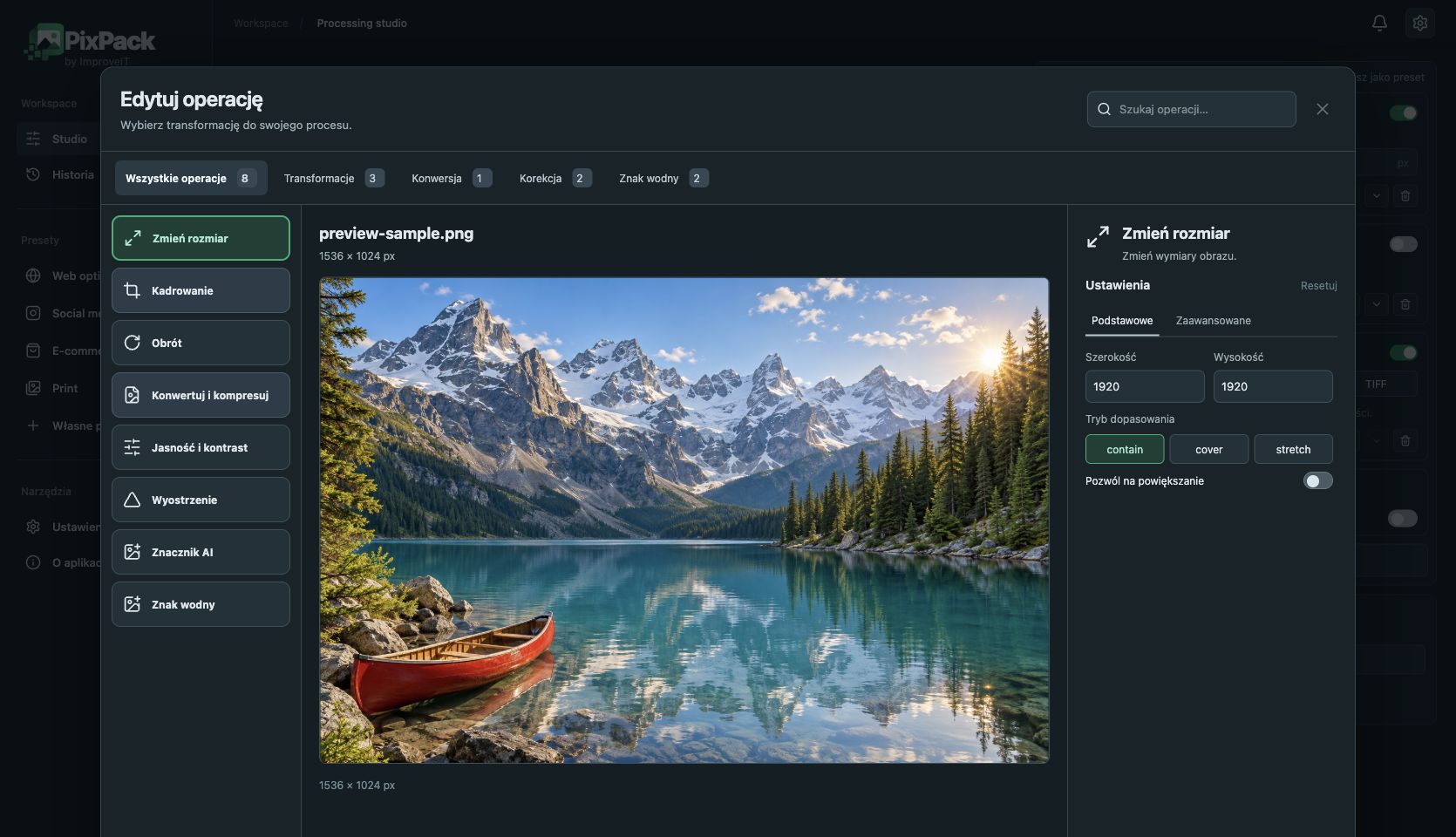
Choose dimensions appropriate for the destination before adjusting encoding. A web gallery may not need the full-resolution original; reducing pixel dimensions can matter more than changing the file extension.
PixPack provides JPEG quality controls, lossless WebP export and PNG/JPEG optimization. Savings are not a fixed percentage: test representative files and inspect the results. Resizing and lossy JPEG encoding may change image quality.
- Import images and choose required dimensions.
- Select JPEG quality or lossless WebP/PNG output.
- Review the operation preview and export a sample.
- Compare file size and appearance before running the full batch.